Connecting Bluetooth to a golf cart speaker is usually simple: power the speaker on, put it in pairing mode, open Bluetooth settings on your phone, and select the speaker. The problems usually come from a speaker that is already connected to another device, weak power, pairing memory, or confusing the cart’s stereo with a separate portable speaker.
Step 1: Confirm what type of speaker system you have
Golf carts commonly use one of three setups:
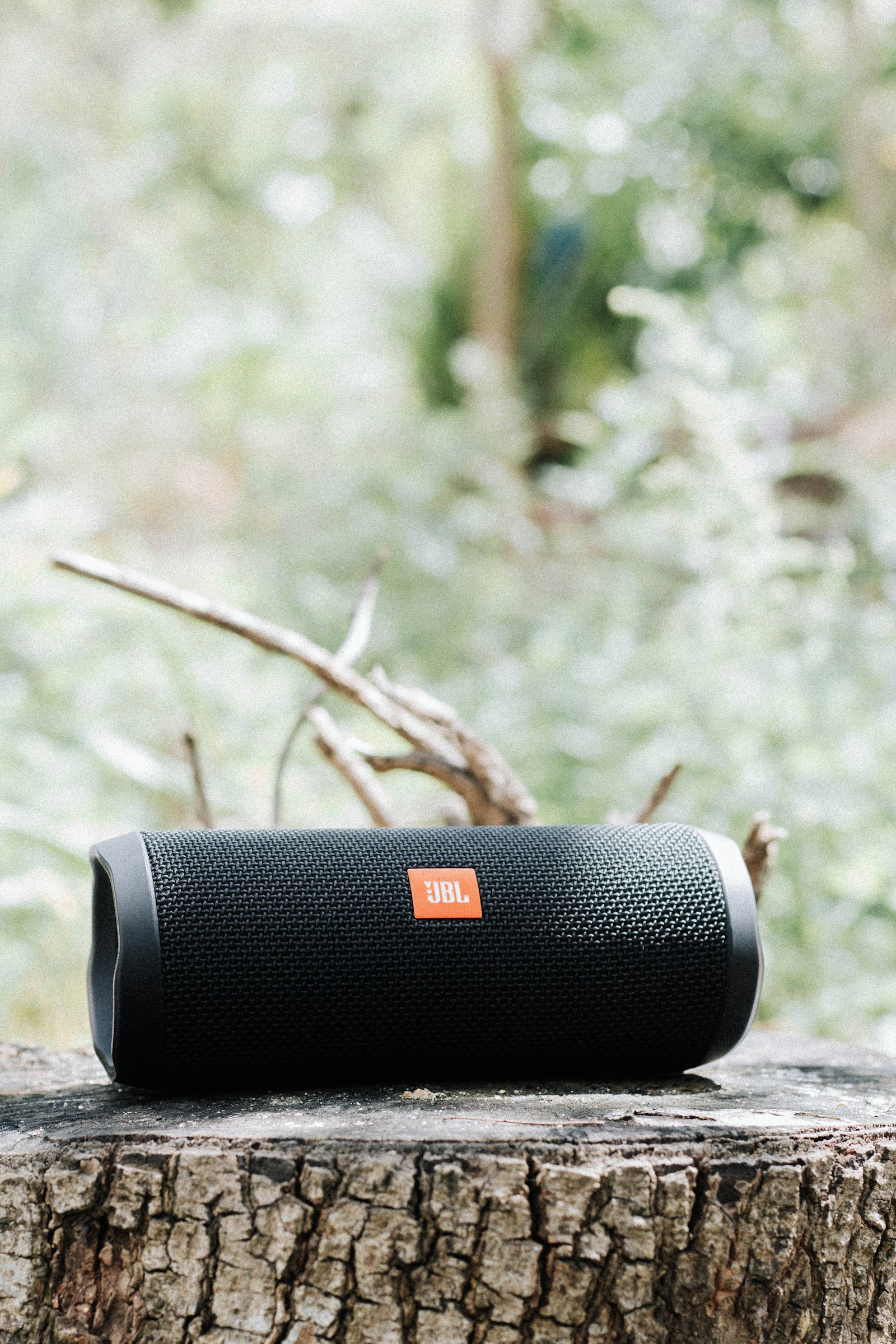
- A portable rechargeable Bluetooth speaker
- A powered Bluetooth soundbar
- A stereo/head unit connected to wired speakers
Each one enters pairing mode differently. Look for a Bluetooth button, source button, pairing symbol, or a flashing indicator.
Step 2: Make sure the speaker has stable power
A rechargeable speaker should have enough battery charge to complete pairing. A hardwired soundbar or stereo needs a stable 12V accessory supply.
If a 36V or 48V golf cart uses a voltage reducer, a weak or overloaded reducer can cause the speaker to reboot, disconnect, or refuse to pair even though the Bluetooth settings look correct.
Step 3: Put the speaker in pairing mode
Turn the speaker on and activate pairing mode according to its manual. Many devices flash a blue light or play a tone when they are discoverable.
If the speaker immediately reconnects to a previous phone, temporarily disable Bluetooth on that old device or remove the saved connection so the speaker becomes available to the new one.
Step 4: Open Bluetooth settings on your phone
On iPhone or Android, open Bluetooth settings and wait for the speaker name to appear under available devices. Tap the correct device name.
Avoid selecting similarly named accessories such as a cart display, controller, or another nearby speaker.
Step 5: Confirm the connection
Once paired, play music at low volume. Confirm audio comes through the intended speaker system and that the connection remains stable for a few minutes.
If you are using a stereo with multiple sources, make sure the head unit is set to Bluetooth rather than radio, AUX, or USB.
What if the speaker does not appear?
First move your phone close to the speaker. Then turn Bluetooth off and back on, restart the speaker, and re-enter pairing mode.
If the device still does not appear, check whether the speaker is already connected to another phone or whether its Bluetooth memory is full.
What if the phone says connected but there is no sound?
Check the phone’s media output and volume. Some phones can connect for calls while media audio remains routed elsewhere.
Also confirm the speaker or stereo is on the correct source, the amplifier is powered, and any mute function is off.
How to forget and re-pair a device
If a saved connection behaves strangely, open Bluetooth settings, choose the speaker, and select the option to forget or remove it. Then restart both devices and pair again from scratch.
This often fixes problems after a phone update or after the speaker has been paired with several different devices.
Why Bluetooth disconnects while driving
Intermittent disconnections can be caused by more than radio range. Check these:
- Loose 12V power connections
- An undersized voltage reducer
- A soundbar that reboots when lights or other accessories turn on
- Low speaker battery
- Phone power-saving settings
- Heavy radio interference
- Water or corrosion in wiring/connectors
Does Bluetooth need internet?
No. Bluetooth itself does not require mobile data or Wi-Fi. Streaming services may need internet unless music is downloaded to the phone, but the phone-to-speaker connection is local.
Can two phones connect at once?
Some speakers support multipoint Bluetooth, but many golf-cart speakers do not. If pairing fails while another rider’s phone is nearby, disconnect the old device first.
Can you connect multiple Bluetooth speakers?
Only if the speaker system or phone supports a linked-speaker feature. Two ordinary Bluetooth speakers do not automatically play together just because both can pair with the same phone.
Hardwired soundbar tip
If a permanently mounted Bluetooth soundbar loses pairing every time the cart stops, inspect how its accessory power is switched. The soundbar may be losing memory power or fully shutting down when the key is off.
Do not bypass the cart’s electrical protection just to keep Bluetooth memory alive. Follow the soundbar and cart wiring instructions.
Bottom line
To connect Bluetooth to a golf cart speaker, give the speaker stable power, place it in pairing mode, select it from the phone’s Bluetooth menu, and verify the audio source. If it will not connect, clear old pairings before assuming the speaker is defective. Repeated disconnects on a hardwired system often point to power or wiring problems rather than Bluetooth itself.